
Christmas Evening Market at Denbies Wine Estate
About
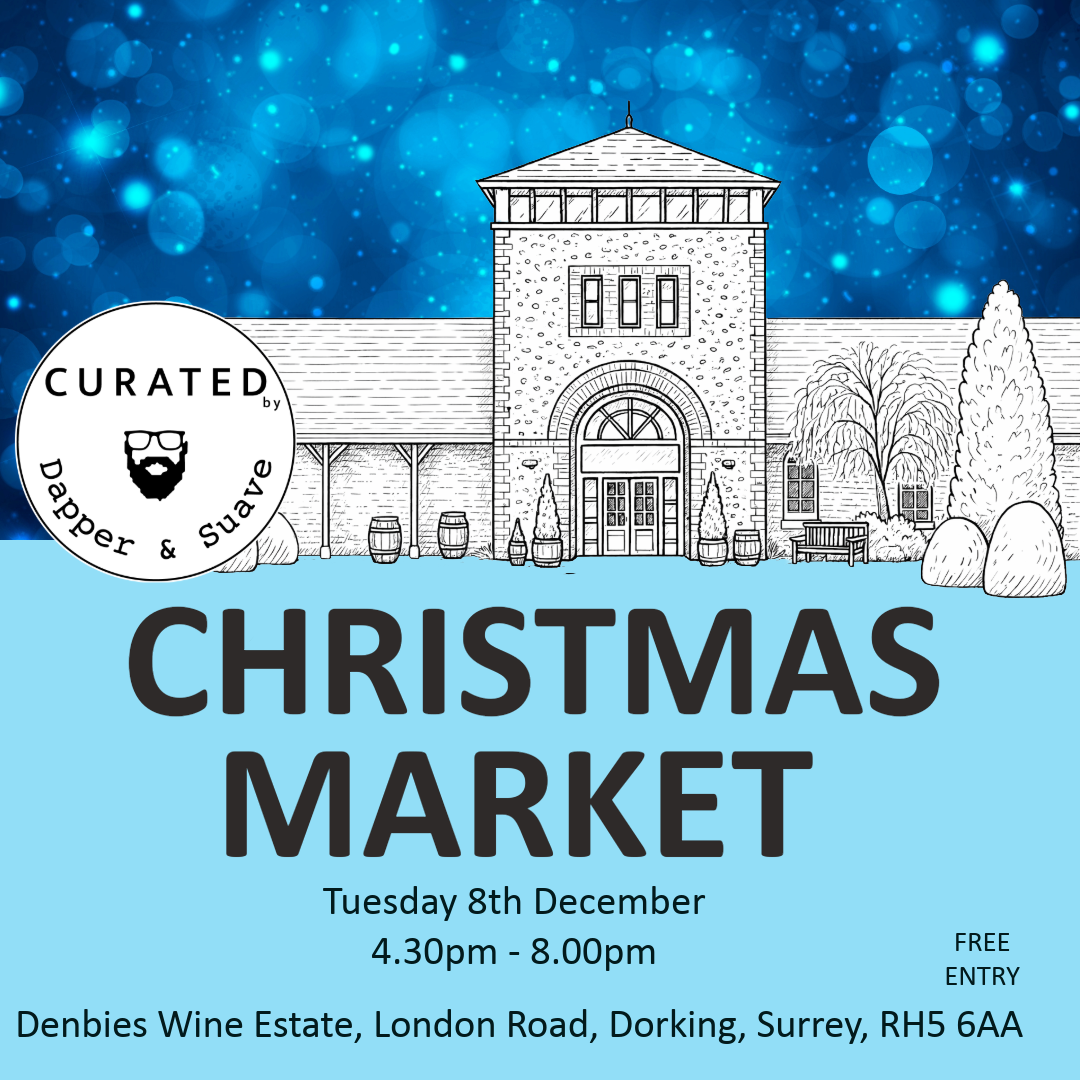
Join us for a magical evening at Denbies Wine Estate for a thoughtfully curated Christmas shopping experience celebrating independent businesses, creativity, community and connection. This special evening market brings together a handpicked selection of small businesses across beautifully styled spaces, creating a relaxed and festive atmosphere — perfect for discovering unique and meaningful Christmas gifts. Garden Room & The Conservatory (Ground Floor) Step into a cosy, festive shopping space showcasing a carefully curated collection of independent brands offering: Artwork • Fashion • Beauty & Skincare • Candles • Jewellery • Food & Drink • Home & Christmas Gifts — all chosen for their quality, originality and craftsmanship. From the warmth of the Garden Room to shopping beneath the winter sky and twinkling lights in the Conservatory, enjoy an atmosphere filled with seasonal charm and Christmas magic. Festive refreshments will be available, alongside live performances to set the mood and fill the evening with joy. At the heart of everything we do is exceptional customer service, genuine connection, and championing the people behind the brands. Our events are built on three simple values: Curated – Kind – Connected Meet the makers, discover hidden gems, connect with like-minded shoppers and enjoy a relaxed festive evening in a beautifully curated setting. Free entry & parking Wheelchair accessible with designated disabled parking Please note: Dogs are not permitted inside the premises
Where
Denbies Wine Estate , London Road, , Dorking, RH5 6AA
View on map