
General Jewellery Workshop
Fri 27 Nov 10:00–16:00 £100 per workshop. Materials are not included and must be purchased in advance or on the day.
About
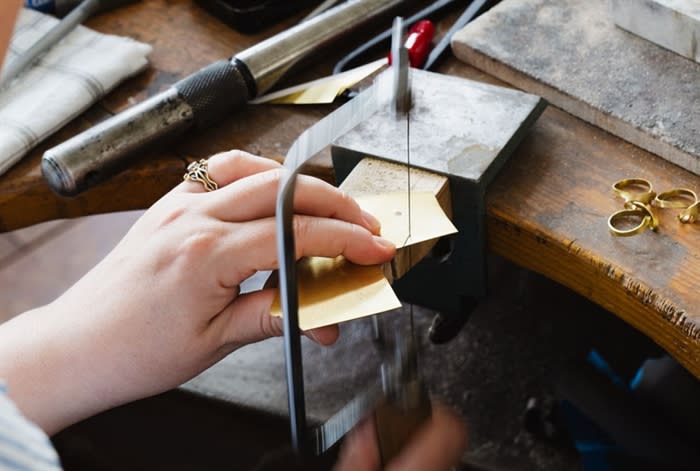
A full-day jewellery workshop for up to four participants, suitable for beginners and those with experience. Work on your own project with individual guidance and access to studio tools, covering techniques such as sawing, filing, soldering, forming and finishing. Projects and materials are discussed beforehand. Further sessions are offered on selected dates from January to March 2027.
Where
Studio 5, Hotwalls Studios, Portsmouth, PO1 2FS
View on mapCraft
Workshops
Indoors