
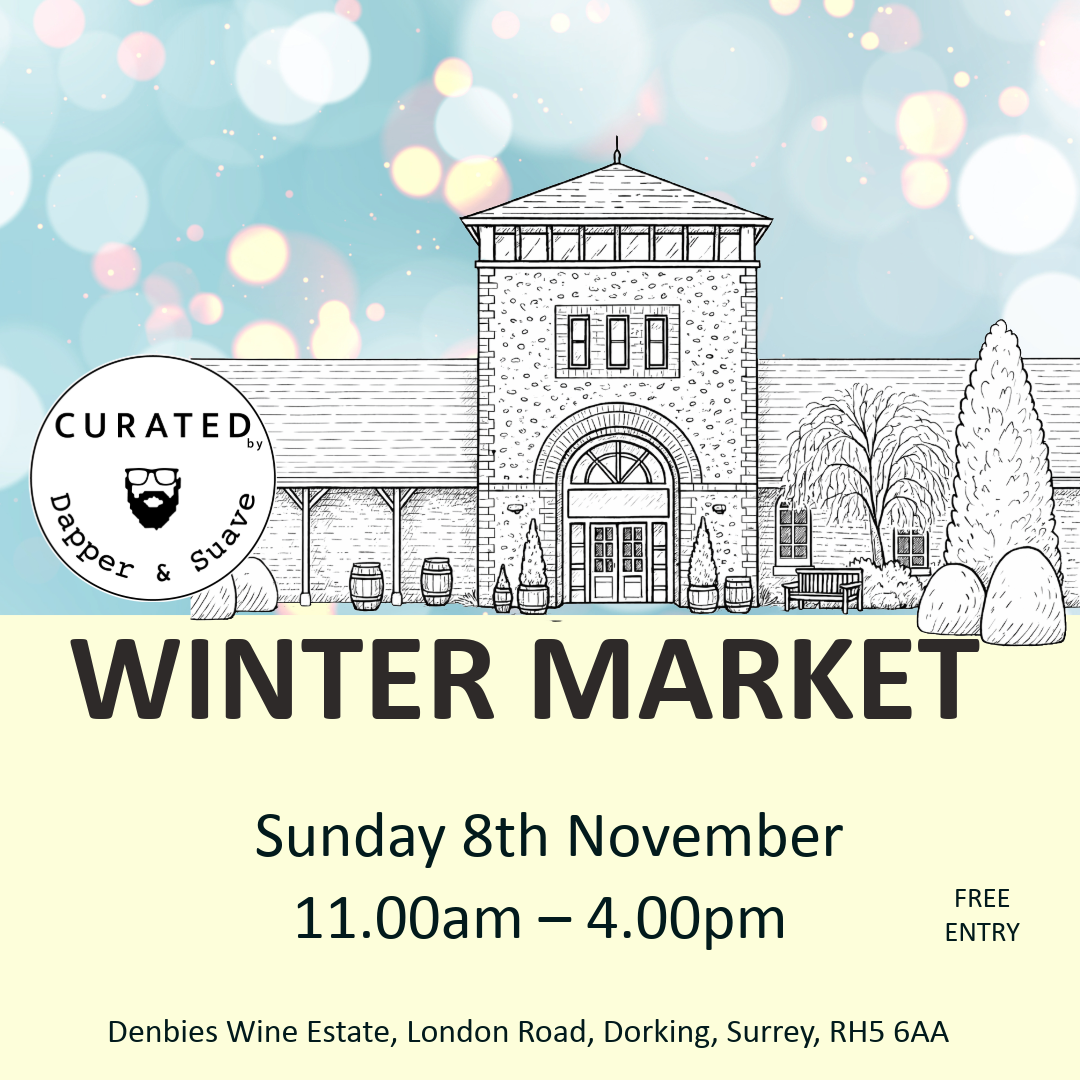
Winter Market at Denbies Wine Estate
About
Embrace the festive season with us at Denbies Wine Estate, surrounded by the beautiful Surrey countryside and vineyards, for a thoughtfully curated Winter Market celebrating independent businesses, creativity, community and connection our biggest event of the year. This seasonal shopping experience spans two floors and three beautifully styled spaces, bringing together a handpicked selection of small businesses and service-based brands — perfect for discovering unique and meaningful Christmas gifts. Garden Room & Ranmore Suite (Ground Floor) Browse a carefully curated mix of independent brands offering: Artwork • Fashion • Beauty & Skincare • Candles • Jewellery • Home & Gifts • Food & Drink — all chosen for their quality, originality and craftsmanship. Denbies Suite (First Floor) Expanding the experience even further, with additional curated businesses bringing greater variety and choice for your festive shopping. At the heart of everything we do is exceptional customer service, genuine connection, and championing the people behind the brands. Our events are built on three simple values: Curated – Kind – Connected Whether you’re searching for the perfect present or simply soaking up the seasonal atmosphere, meet the makers, discover hidden gems and enjoy a relaxed Winter day out in a beautifully curated setting. Free entry & parking Please note: As our events continue to grow, footfall has increased. We’re working closely with Denbies Wine Estate to manage parking and visitor flow, and kindly encourage local visitors to walk or car share where possible and arrive in good time to enjoy everything Denbies has to offer. Wheelchair accessible with designated disabled parking Please note: Dogs are not permitted inside the premises
Where
Denbies Wine Estate , London Road, , Dorking, RH5 6AA
View on map